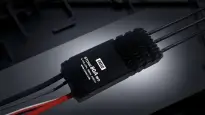
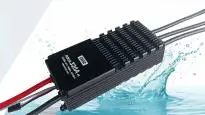
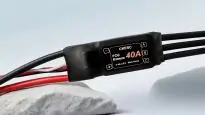



The CKESC ESC supports debugging functions for certain parameters; however, some parameters directly relate to the safety of the power system. Exercise extreme caution when operating these functions!
I. Prepare Tools
- Serial Port Module (CH340)
- CKESC ESC
- computer
- Host Computer Software (TMEC Information Display)
- Brushless motor
II. Connection and Basic Setup Steps
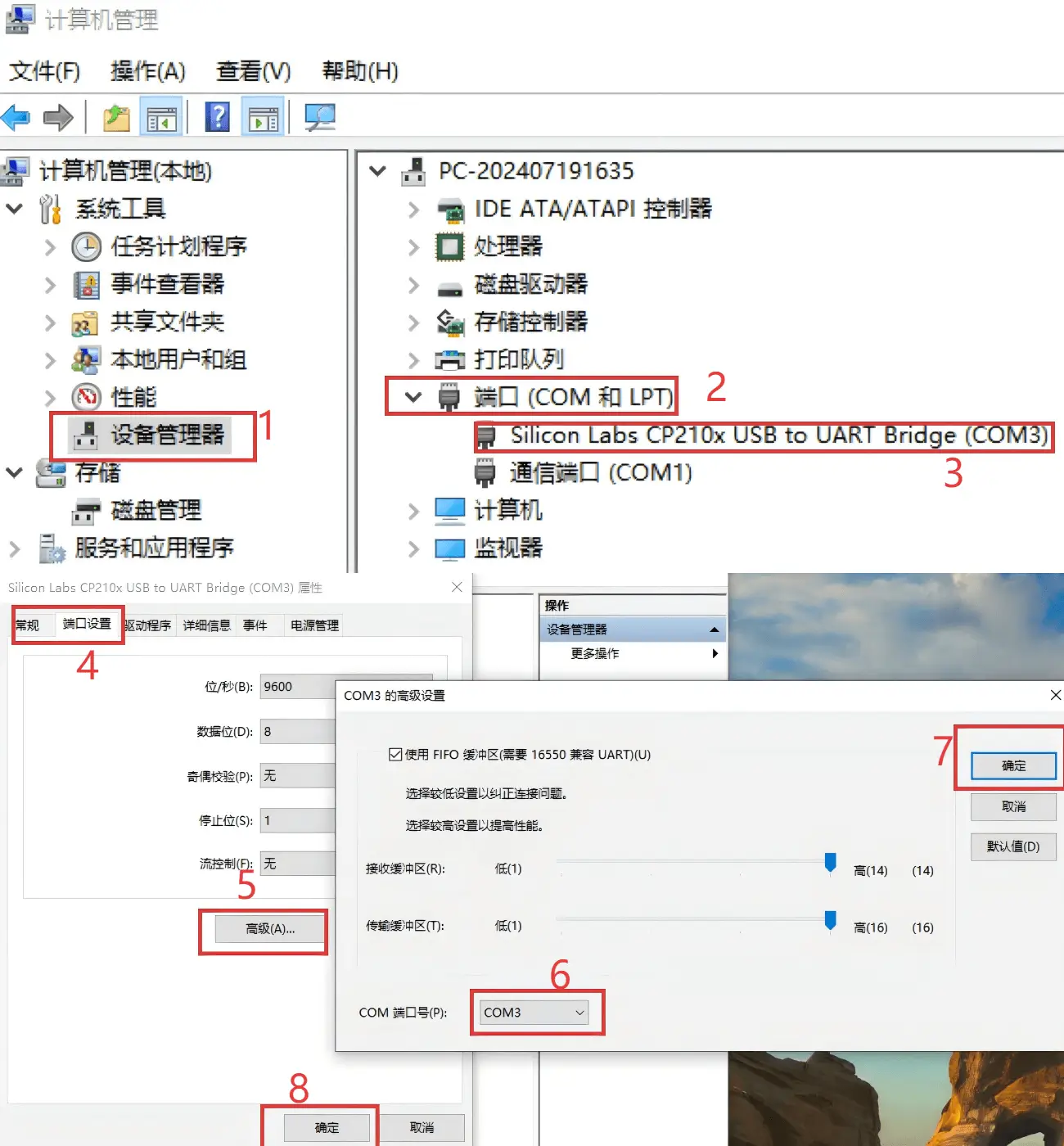
图1
- Download and install the corresponding serial port driver (CH340 driver) from the internet
- Configure the serial port module on the computer, selecting the corresponding COM port.Note: The host computer software only supports COM1 to COM3 ports.)
- Serial port settings modification: as shown in Figure 1
- Connect the wiring: Link the serial module's TXD and GND interfaces to the white ESC signal wire (S+) and the black ESC signal ground wire (S-) respectively.
- In the host computer software, select the configured COM port (COM1 to COM3), then click the ‘PortClose’ button. Once the serial port has been successfully opened, the button will turn green.
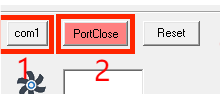
5. Connect the ESC to the brushless motor (for beep sound only). Power on the ESC, immediately click the 'ESCSET' button, and after a successful click, the motor device will emit a 'beep' sound.

III. Adjustment of the Angle of Attack Parameter
1.1. Basic Angle of Attack Settings:
To enhance power efficiency at low to medium throttle settings, opt for a lower intake angle parameter. Should the default configuration fail to meet operational requirements, click the “Basic Settings” button to access the advanced configuration interface for further adjustments.
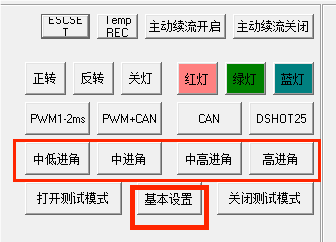
1.2.2. Advanced Angle Settings:
Within the advanced settings interface, different lead angle parameters correspond to different performance characteristics:
The low-to-medium camber angle prioritises optimising throttle response at low-to-medium throttle levels, whilst the high camber angle focuses on enhancing maximum traction and improving compatibility. Simply select the corresponding camber angle option to complete the configuration.
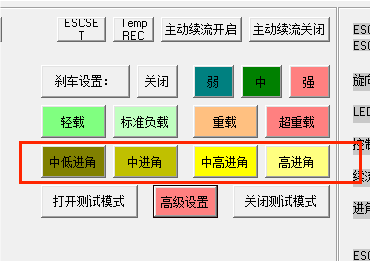
Maximum power mode is turned off by default.
Maximum Power Mode On:By clicking three times consecutively on the advance angle option in the boxed area of the advanced settings interface, you can enable maximum power mode; (at this moment, the sound produced by the motor will be different)
Click any different advance angle option again to turn off the maximum power mode, and the advance angle parameter will switch to the type of advance angle selected this time.
Important Notice:
- When switching from a high approach angle to a low approach angle, there is a risk of parameter mismatch; please proceed with caution.
- When switching from a low approach angle to a high approach angle, the motor power will increase accordingly. It is essential to ensure the motor operates within its safe power range to prevent overload.
IV. Load Parameter Settings
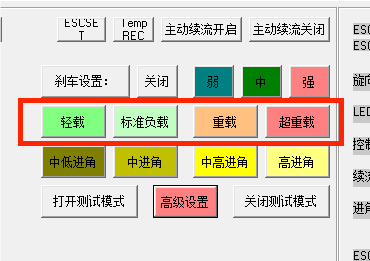
The highlighted area in the advanced settings interface corresponds to the load configuration section, allowing selection of appropriate settings based on the motor's operational context.
Load mode:
To ensure the safe operation of the motor, it may be configured to operate in light-load protection mode.
Should the motor require higher power output, standard load, heavy load, or extra heavy load modes may be selected.